

HP LaserJet Paper Jam Errors (13.xx.xx) – Orange County Printer Repair
Paper jam errors are one of the most frequent HP LaserJet issues businesses face in Orange County. When a printer repeatedly shows a 13.xx.xx paper jam error, it usually means internal components are worn—not that paper is simply stuck.
What Causes 13.xx.xx Errors in Orange County Offices
High-volume printing environments accelerate wear on key printer parts. Common causes include:
- Worn pickup and feed rollers
- Separation pads no longer gripping paper
- Debris or torn paper inside the paper path
- Fuser or duplex unit wear
- Missed maintenance kit replacements
Clearing paper may temporarily restore printing, but the error often returns quickly.
Why Paper Jams Keep Coming Back
If rollers lose traction or sensors fail to detect paper movement, the printer will continue to jam even with proper paper loading. This is why many Orange County businesses experience repeated downtime.
Professional HP LaserJet Paper Jam Repair in Orange County
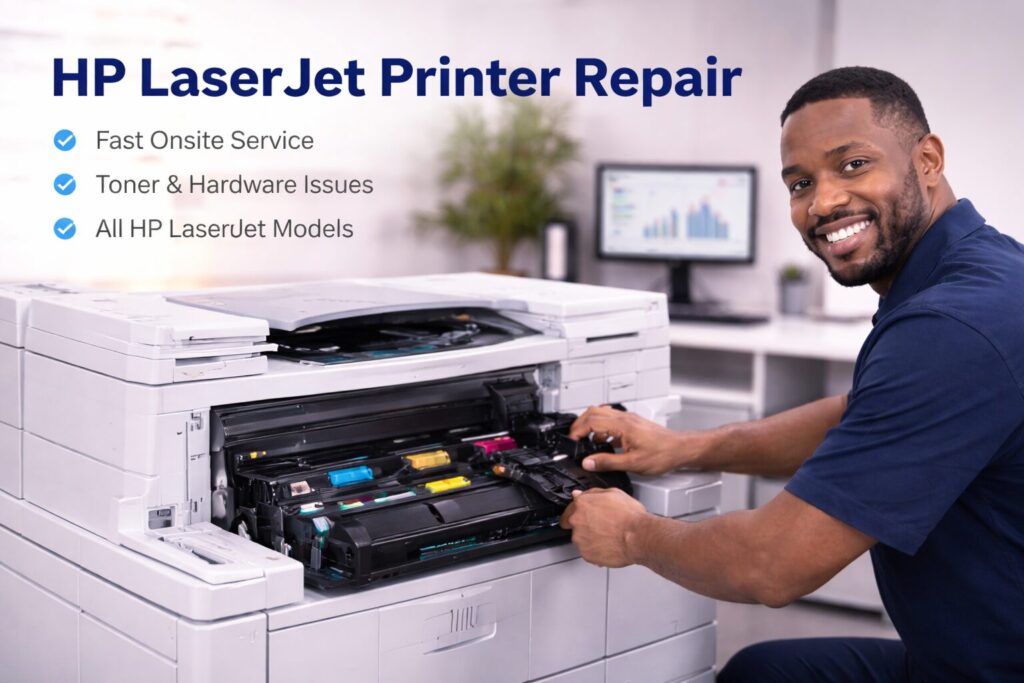
Onsite Printer Services provides onsite HP LaserJet paper jam repair throughout Orange County. Our certified technicians inspect the full paper path, replace worn parts, and restore reliable operation.
We service offices, medical practices, schools, and corporate environments across Orange County.
Call 888-786-4720 for HP LaserJet paper jam repair in Orange County